Albany Tech Blackboard: Your Ultimate Guide to Success
Albany Tech Blackboard is the online learning platform used by Albany Technical College to deliver a seamless and interactive educational experience. Whether you are an online student, taking hybrid courses, or just need a platform to stay organized, Albany Tech Blackboard provides the tools and resources you need to excel. Let’s explore how to use this platform effectively and maximize your learning experience.
Getting Started with Blackboard
To begin, students must first log into the Albany Tech Blackboard platform. Follow these simple steps:
- Visit the Login Page: Navigate to https://albanytech.blackboard.com
- Enter Your Credentials: Use your Albany Technical College username and password.
- Access Your Dashboard: After logging in, you’ll land on the dashboard where you can view your courses, announcements, and more.
Navigating the Dashboard
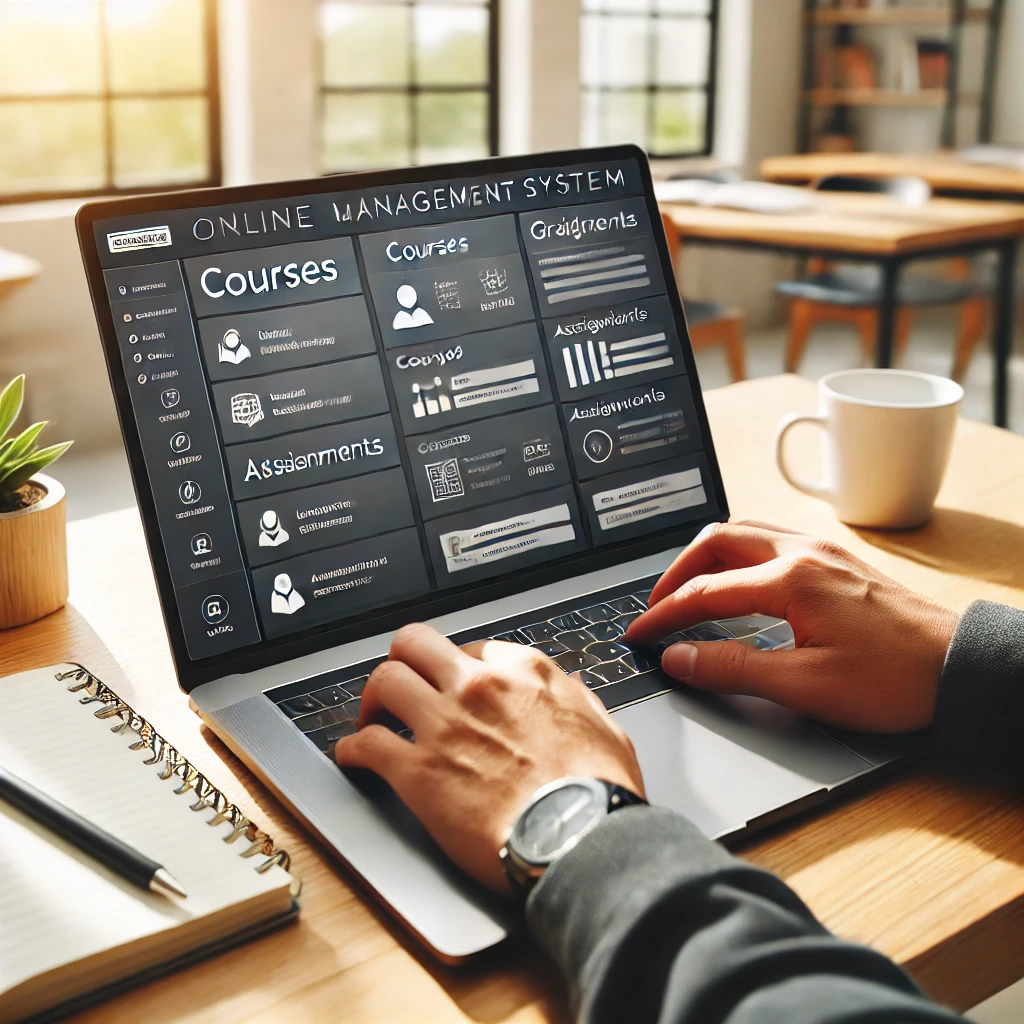
The Blackboard dashboard is designed to be user-friendly, with clear sections for your courses and tools. Key areas include:
- Course List: Quickly access your enrolled courses.
- Announcements: Stay updated with course notifications and college-wide messages.
- Navigation Menu: Find tools like grades, assignments, and discussions in one place.
Accessing Course Materials
All course-related content is housed within individual course tabs. Here’s how to find what you need:
- Select a course from your dashboard.
- Locate folders for lectures, presentations, and other resources.
- Download or view materials directly from the platform.
Pro Tip: Bookmark important files for easy reference later.
Submitting Assignments
Submitting assignments is straightforward:
- Open the assignment link in your course.
- Attach your file in the required format (e.g., PDF, Word document).
- Click “Submit” and wait for confirmation.
Always double-check deadlines and submission requirements.
Participating in Discussion Boards
Engage with instructors and peers through discussion boards. To participate:
- Navigate to the discussion section in your course.
- Click on the topic thread and post your response.
- Respond to peers to foster collaborative learning.
Remember to maintain proper netiquette when communicating online.
Taking Online Quizzes and Tests
Albany Tech Blackboard enables online assessments. To complete a quiz or test:
- Open the quiz link in your course.
- Review the instructions carefully.
- Answer all questions and submit before the time expires.
Ensure a stable internet connection to avoid interruptions.
Checking Grades and Feedback
Monitor your progress in the “My Grades” section:
- View grades for assignments, quizzes, and participation.
- Read instructor feedback to improve future submissions.
This tool helps you stay on track with your academic goals.
Using Blackboard Tools
Blackboard offers additional tools to enhance your experience:
- Calendar: Track deadlines and important dates.
- Messages: Communicate directly with instructors and classmates.
- Announcements: Receive updates about your courses and events.
Troubleshooting Login and Technical Issues
If you encounter login or technical problems:
- Reset your password via the Albany Tech login page.
- Ensure your browser is up-to-date (Google Chrome is recommended).
- Contact Albany Tech IT Support for assistance.
Blackboard Mobile App Overview
Stay connected on the go by downloading the Blackboard mobile app. With the app, you can:
- Access course materials anytime.
- Receive notifications for assignments and announcements.
- Submit work directly from your smartphone.
Staying Organized in Online Courses
Organization is key for success in online learning. Tips for staying on top of your coursework include:
- Use the calendar to plan your weekly schedule.
- Set reminders for assignments and tests.
- Regularly check your announcements and messages.
Instructor and Peer Communication on Blackboard
Effective communication is crucial. Use the following tools to connect:
- Messages: Send private messages to your instructor.
- Discussion Boards: Collaborate with peers.
- Announcements: Stay informed about course updates.
Managing Deadlines and Notifications
Keep track of important deadlines by:
- Checking the calendar regularly.
- Enabling email or app notifications for announcements and due dates.
Integrating External Resources with Blackboard
Blackboard supports integration with external tools like:
- eBooks: Access digital textbooks.
- Videos: Watch lectures or supplementary material.
- Third-Party Platforms: Connect to tools like Zoom or Google Drive.
Final Thoughts
Albany Tech Blackboard is an essential tool for modern learning, offering everything you need to succeed in your academic journey. By mastering its features—from accessing materials to submitting assignments and communicating effectively—you can stay organized and focused on achieving your goals. Take advantage of the platform’s full potential, and don’t hesitate to seek help when needed.
Author

syedaswad@gmail.com
Related Posts

Tech Etch Plymouth
Tech Etch Plymouth: A Comprehensive Overview Tech Etch Plymouth is a renowned leader in precision-engineered metal components and solutions, providing innovative products...
Read out all
Strata BioGreen Tech
Strata BioGreen Tech: A Sustainable Innovation for a Greener Future Introduction to Strata BioGreen Tech Strata BioGreen Tech is a pioneering company...
Read out all
Tech UW SMPH
Tech UW SMPH: A Hub for Healthcare Innovation and Technology Integration The Tech UW SMPH (University of Wisconsin School of Medicine and...
Read out all
Fplus Tech Moscow
Fplus Tech Moscow: Revolutionizing Russia’s IT Landscape Fplus Tech Moscow is an influential player in the Russian IT sector, providing cutting-edge technology...
Read out all
Hidani Tech
Hidani Tech: A Comprehensive Guide to IT Recruitment and Job Placement About Hidani Tech Hidani Tech is a recruitment agency specializing in...
Read out all
Incepture Tech
Incepture Tech: Revolutionizing IT Services and Staffing Solutions Incepture Tech is a l eading player in the technology and staffing industries, offering...
Read out all